






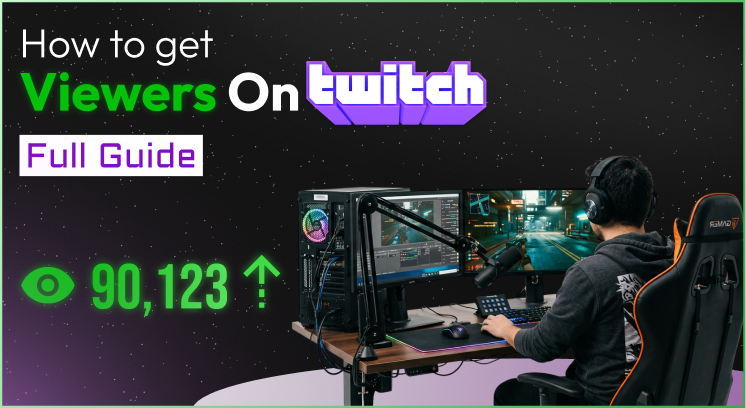
To get viewers on Twitch, you must stop streaming oversaturated games like Fortnite and start pulling audiences from TikTok.
Twitch automatically sorts live channels from the most viewers to the fewest.
When you stream a popular game with zero viewers, your channel sits at the very bottom of a massive list.
Nobody will ever scroll down far enough to find you.
To break out of this trap, you need to change how you choose games, create content, and engage your community.
So, how to get viewers on twitch? Let’s find out!
Key Takeaways
- Ditch the popular directories where thousands of zero-viewer channels compete.
- Target the Goldilocks zone of games with 500 to 2,000 total platform viewers.
- Build an off-platform funnel using TikTok and YouTube Shorts to drive traffic.
- Master the 10-second rule by balancing your audio and eliminating dead silence.
- Engage every single chatter to convert casual clicks into loyal, long-term followers.
How To Get Viewers On Twitch: The Ways
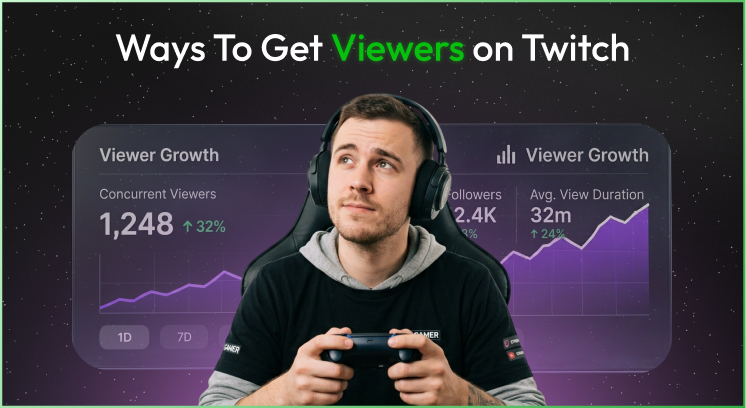
If you’re asking yourself how to get viewers on twitch, I’m going to give you practical advice that will actually help!
1. The Brutal Truth About Twitch Discoverability
Twitches have a brutal reality when it comes to discoverability.
The product has no built-in engine that pushes unknown channels to new users. It is strictly quantity-driven.
If you randomly decide to go live with Grand Theft Auto V, or League of Legends, without an existing audience, you are going to lose.
You are going against thousands of concurrent channels with no way to stand out and get noticed.
Even if someone decides to check out a new channel, it will take them a lot of scrolling to find your channel with no views or followers.
If you want to know how to get viewers on Twitch, it’s crucial that you understand this reality.
2. Finding Your “Goldilocks” Game Category
The fastest way to organically acquire new viewers on Twitch is to find your “Goldilocks” game category.
Research which video game categories are saturated but not oversaturated to find the sweet spot.
In other words, you’re searching for a category that has a robust number of communities but a limited quantity of channels going live at the same time.
You’re looking for a game category with 500-2,000 total viewers worldwide.
If you can stream within that range, with just a few friends or family members leaving your channel tab open in their browsers, you are guaranteed to move up to the top 2 rows of that directory.
Excellent examples of Goldilocks games include Stardew Valley, some older Resident Evil games, or simulation-type games with a dedicated following.
Communities within these games actively seek new channels to follow and engage with during their browsing sessions.
3. Creating a Short Form Video Funnel
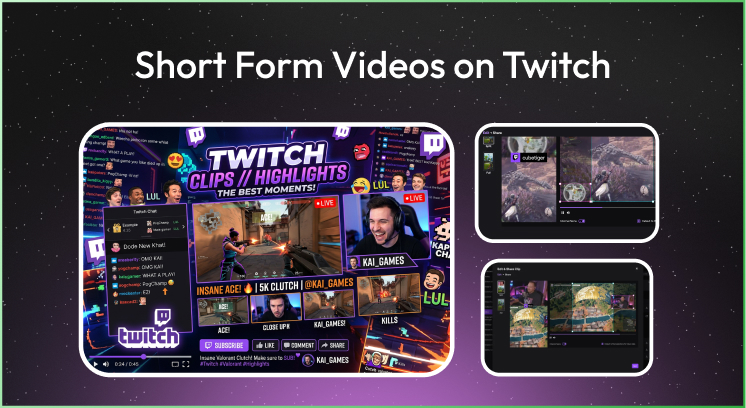
If you’re asking yourself how to get more viewers on Twitch, look elsewhere for growth.
Since Twitch doesn’t organically promote new channels, you have to grow elsewhere.
Fortunately, social media platforms like TikTok, YouTube Shorts, and Instagram Reels have recommendation algorithms.
This can easily push your content to users who might be interested.
Instead of spending five hours streaming, spend three hours streaming and two hours cutting together your best moments into short-form vertical videos.
- First, edit your stream highlights for mobile use. Crop your layout so that your face is clearly visible above the game.
- Second, you need large, easy-to-read captions. It should not be hard to read the captions on a mobile screen without sound.
- After that, you have to hook your viewers within the first 2 seconds of your clip. It could be a funny mistake, an insane play, or simply a tip.
- Lastly, add a clear call to action within your video’s bio. Something like, “We try out ridiculous builds like this live every Tuesday night.
Then you need to click the link to hang out!”
This will help you to find an answer if you are worried about “how to get viewers on Twitch”. This helps.
You might get minuscule engagement from those impressions.
The number of people who click your link in bio will make your channel start showing up as fresh text in the Twitch chat.
4. Mastering The First 10 Seconds
Getting a viewer to arrive at your channel is only half the battle.
As soon as they arrive at your channel tab, a silent race begins that determines whether they stay or leave.
You need to know how to master the first 10 seconds of your stream.
Balancing Your Sound Levels
Bad video resolution is annoying to watch. Bad sound resolution is unbearable.
Before you go live, record a one-minute test clip within your streaming software. Listen to the level of your audio and focus on the mix.
Your voice should dominate the mix. Keep the game audio low to medium. Keep your mic levels above the noise floor.
| Audio Source | Target Level in Mixer | Vibe Checklist |
|---|---|---|
| Your Microphone | -10dB to -15dB (Peak Zone) | Crisp, clear, no background hums |
| Gameplay Sounds | -25dB to -35dB (Background) | Subdued, easily heard but never overpowering |
| Alerts & Music | -30dB (Low Fill) | Distant, subtle, does not compete with speech |
Eliminating Dead Silence
Streaming to an empty room is incredibly unnatural. Avoid dead silence whenever possible.
If a browser comes to your channel and hears dead silence, they will instantly leave thinking that you have nothing interesting to say.
Get in the habit of talking out loud all the time.
Talk about what’s going on in the game, your strategy for the next round, complain about a particular game mechanic, or share a little story from your day.
Act like you are running a radio talk show for hundreds of people that are going to magically appear at any given moment.
Pro Tip: In your creator dashboard, turn off your live viewer counter. It’s bad for your mental health to look at that counter hovering between zero and one.
Always smile for your community.
Turning off your viewer counter creates a constant sense of high energy and openness when a new viewer comes to your channel.
5. Networking With Other Creators
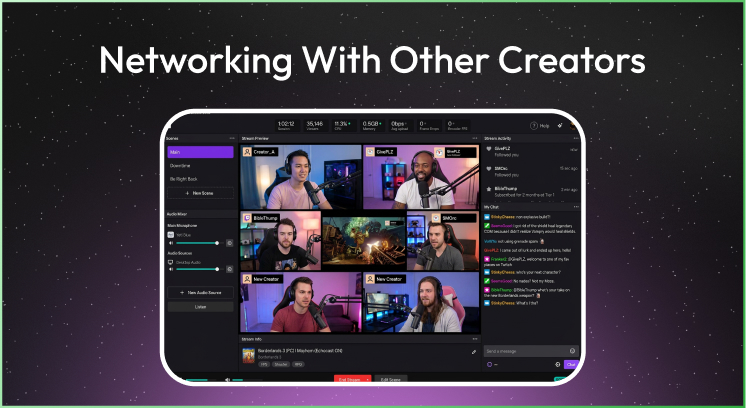
Networking with other creators isn’t about spamming links to your channel in other people’s Twitch chats.
That’s rude and will get you banned instantly. Real networking means building relationships with other creators in a similar niche.
Also, find other creators playing a similar game who have only a few concurrent viewers.
These are the people who are struggling to grow as much as you are. They are a perfect fit for networking.
- Firstly, be a great viewer. Spend your offline time hanging out and watching other similar creators within your niche. Watch their channels and engage in their chats
- Ask about the game! Talk about the content, congratulate them on a win, offer advice within the game without mentioning that you stream
- Be a part of their community. Join their Discord servers and chat with their regulars politely
As you become a familiar face in a streamer’s chat, they’ll eventually notice your profile and become interested in you, too.
They’ll realize you’re also a creator. This will lead you to play together.
Moreover, you can exchange compliments on each other’s content and even raid each other’s channels when you’re not live.
6. Treating Every Chatter Like A Partner
When a beginner asks how to get followers on Twitch, they’re not looking for a generic experience for everyone.
They want a way to build a loyal following. The reality is simple: You can win over a viewer’s loyalty by making them feel like a partner.
When a new username shows up in your Twitch chat, acknowledge them with a friendly, enthusiastic response.
Instead of simply saying hello, ask them an open-ended question to get them talking.
- “Hey GamerTag, Welcome to the stream! Have you had a chance to try this new expansion yet?
- “Welcome in, GamerTag! Are you playing through this title blind or do you know how this crazy story ends?”
Moreover, listen to what they say and react like they are a vital part of your show.
7. Polishing Your Channel Presentation
Think of your Twitch profile page as a storefront.
If a random visitor is going to scroll down your profile page or land on your account when you are offline, it should look nice and clean.
Otherwise, they will think you’re not really serious about streaming.
So, you don’t need to spend a lot of money on this either. You can use free graphic design tools to make everything look beautiful in a few minutes.
Essential Profile Elements
- About: Write up a fun description about yourself. Give details about your favorite types of games, your personal history and what kind of community you are looking for.
- Your Schedule: Pin down your approximate broadcast time and day. People love consistency.
- Clean Social Panel: Give them links to your social media if you have any.
If you want to know how much do twitch streamers make: Read here!
Or if you want to know more about twitch affiliates: Read here!
8. Defining Your Stream Value
When asking how to attract viewers to Twitch, always consider which of the three pillars your channel fits best. High-level streams, comedic streams, or relaxing streams.
· The Competitor
If you’re a strong player, take an educational angle. Share your knowledge and teach others your positioning secrets, etc.
The Entertainer: If you’re a funny streamer, make your chat with your co-star. Take advantage of silly overlays and channel point rewards
· The Host
If you’re a relaxing streamer, create a digital living room. Focus on deep conversations to make your community feel safe and comfortable
Never try to be like the big creator. Be yourself and attract your own unique audience.