





So, what is Twitch?
If you feel completely out of the loop when people talk about live streaming, “Bits,” or “Emotes,” you are far from alone.
To you, Twitch looks like a chaotic wall of fast-moving video game footage and an unreadable, hyper-speed chat box.
But beneath that noisy surface lies the world’s most powerful live broadcasting ecosystem.
It has completely transformed how people consume entertainment, build communities, and build digital businesses.
Whether you want to watch creators or press that purple “Go Live” button yourself, this guide breaks down what Twitch is, how it works, and how to get started.
TL;DR: The Core Essentials
What it is: An Amazon-owned live streaming platform primarily focused on video games, creative arts, music, and real-time talk shows (“Just Chatting”).
How it works: Broadcasters stream their screen and camera audio/video to viewers via the public internet. Viewers interact instantly using an integrated live chat.The Golden Rule for Beginners: You don’t need a high-end studio. A decent computer, a clear microphone, and free software like OBS Studio are all you need to start.
What Is Twitch?
At its core, Twitch is a live-video streaming service. Unlike YouTube, where most content is pre-recorded, heavily edited, and uploaded for later consumption, everything on Twitch is live, raw, and unfiltered.
Founded in 2011 and acquired by Amazon in 2014, the service built its reputation on live video game streaming and esports tournaments.
It has since expanded to host a variety of niche creative communities.
On any given afternoon, you could browse channels and find musicians writing songs in real time, cooks preparing meals, and artists illustrating digital books.
You may even stumble across thousands of people “hanging out” in the massive “Just Chatting” category space.
How Does Twitch Streaming Work?
Now that we have understood what is twitch, it is time to understand how it works.
Twitch’s streaming process has two main components: the broadcaster’s side and the viewer’s side. These two elements are linked together in a single process.
Firstly. The creator must install broadcasting software on their device to transmit their screen (while playing a game) or their video feed (if they are facecamming).
They must also connect their microphone to the program so their speech can be transmitted to the chat in real time.
Twitch’s servers process all of this information.
And on the receiving end. The viewers watch the stream through either a web browser or the mobile application.
However, they are not passive observers. They can interact with the stream by typing messages into the chatroom that appears alongside the video screen.
As such, a Twitch viewer can ask a question in the chat, and the streamer may read it and reply vocally two seconds later while looking at their second monitor.
It is not a passive experience. It is more like sitting in a virtual living room with someone and having a conversation.
What Makes Twitch So Popular?
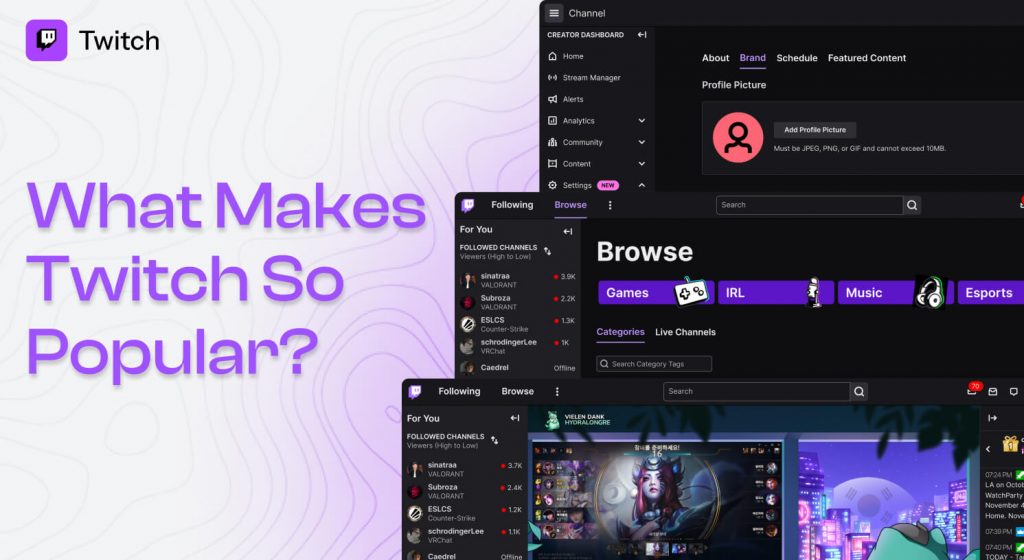
The main factor behind Twitch’s rise to prominence is a stronger sense of belonging.
When watching TV, you are always a passive observer.
However, when watching Twitch streams, you are sometimes encouraged to be a part of the creation process.
The stream creator may often change their choices based on what their chat tells them.
If the whole chat decides that the streamer should explore this secret area of the game, they may do so.
This level of involvement leads to a much stronger sense of community, and many streamers build incredibly strong bonds with their viewers.
Moreover, finding your tribe has become much easier.
With so many channels and so many types of content, it is now much easier to find content you are interested in and join a community of like-minded people.
People who once couldn’t discuss their obscure interests now have an entire audience to share them with through a Twitch channel.
Essential Terms and Information About The Twitch Streaming Service
You may find it hard to understand how something works if you don’t know its name.
New social platforms often use their own terminology, and Twitch is no different.
Fortunately, the essential jargon isn’t too hard to learn if you want to browse Twitch and set up your account.
1. The Live Chat and Emotes
Every channel has a live scrolling chat sidebar on the right side of the video.
This is where the Twitch community comes together and discusses various topics related to the stream.
Some of the text in this chat may appear as strange images next to certain words.
This is because members of the Twitch community often utilize Emotes, which are custom emoticons that appear as unique images.
2. Channels and Categories
Twitch has a variety of channels, each one representing a unique creator.
To help you sort through the thousands of videos being watched at once, Twitch uses a system called Categories.
Some of these categories are broad (like Music or Art or Just Chatting), and some are much more specific (like a particular video game).
3. VODs or Video on Demand and Clips
Although Twitch is all about live streaming, you can also watch other types of media.
The first is a VOD, or Video on Demand. These are automatically generated recordings of Twitch streams, saved on a creator’s page for a short time.
Lastly, you can also watch short three-minute video clips taken from live streams.
These are great ways to share a funny moment or a particularly exciting part of an extended.
You can also easily share clips on social media with a larger audience, so more people can watch them.
How To Stream On Twitch: The Basic Setup
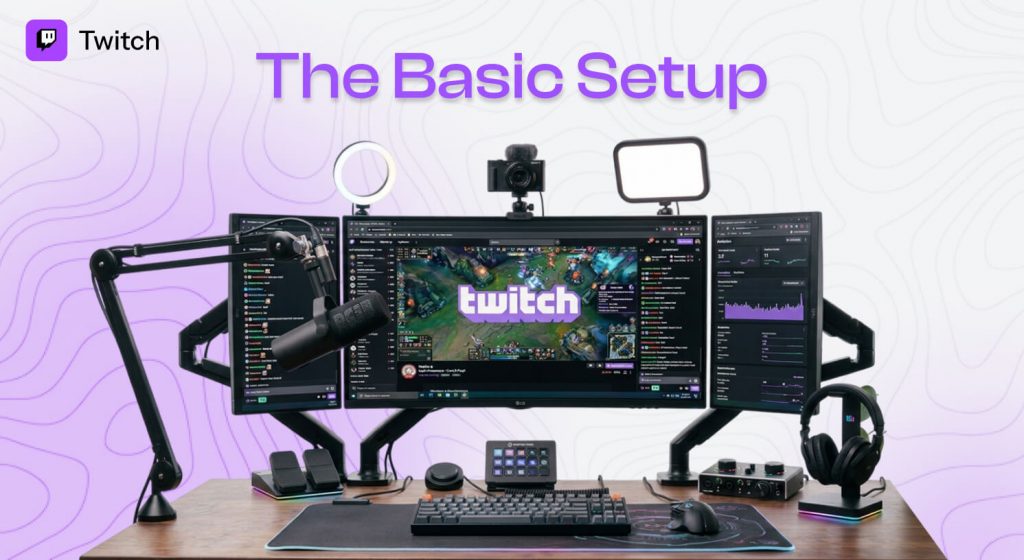
Getting started isn’t as intimidating or expensive as it looks. I used to think I needed a high-end multi-PC setup to look professional, but that’s a common trap.
You can launch your channel using basic tools you likely already own.
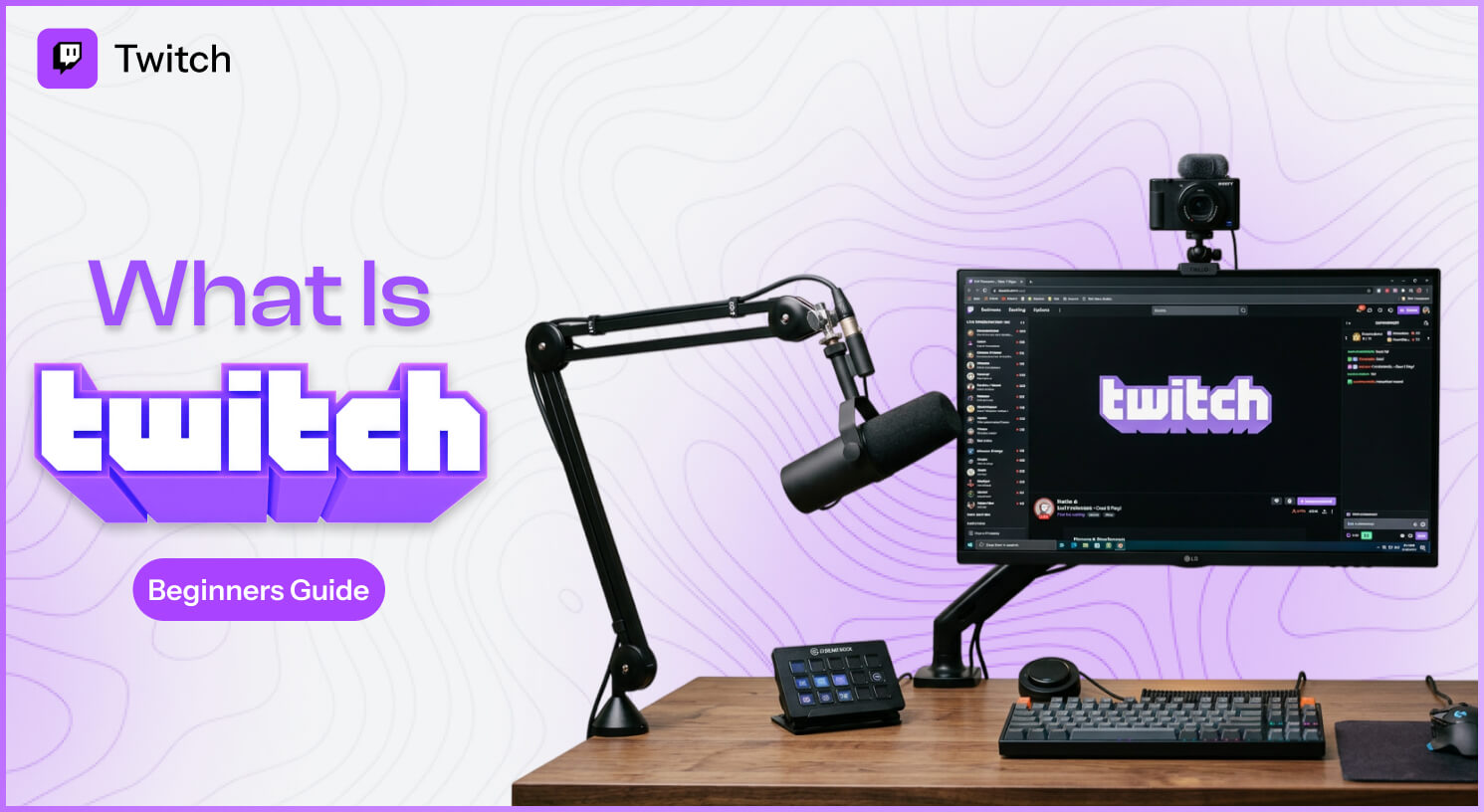
1. Hardware Essentials
The Computer
You need a desktop or laptop that can run your content and encode video at the same time.
A modern mid-range processor (Intel i5/AMD Ryzen 5 or better) handles this comfortably.
The Audio (Crucial)
Viewers will tolerate mediocre 720p video, but they will instantly leave if your audio hums, cracks, or distorts.
Invest in a dedicated USB dynamic microphone rather than relying on a built-in laptop mic.
The Camera
A standard 1080p webcam works perfectly. Make sure your room is well lit.
Positioning a cheap desk lamp behind your monitor to light your face makes a big difference.
Internet Speed
You need a stable upload speed. Aim for at least 5-8 Mbps upload to keep your stream from lagging or dropping frames.
2. Software Configuration
The undisputed industry standard for streaming software is OBS Studio (Open Broadcaster Software). It’s free, open-source, and efficient on your CPU.
| Configuration Step | Action Items |
|---|---|
| Download | Grab the official tool safely from OBS Studio. |
| Link Account | Go to Settings > Stream, select Twitch, and click “Connect Account”. |
| Run Wizard | Run the built-in Auto-Configuration Wizard; select “Optimize for streaming”. |
| Set Resolution | Set canvas to 1080p and output scaling to 720p or 1080p depending on PC power. |
| Add Sources | Add a “Game Capture” or “Display Capture” source, and a “Video Capture Device” for your webcam. |
Once your sources are arranged nicely in the visual canvas window, you are technically ready to input your stream title on your Twitch Creator Dashboard and hit “Start Streaming” inside OBS.
How Do Creators Earn Money on Twitch?
To monetize your stream, you need to reach the platform’s official tiers.
With the Twitch Monetization for All rollout, it’s more accessible than ever.
The Path To Affiliate
To gain access to revenue-generating tools such as subscriptions and ad-revenue sharing, you should reach the Twitch Affiliate threshold on a rolling 30-day basis:
At least 25 Followers
4-hour total streaming time
4 days streamed
3 viewers on average.
After crossing the Affiliate threshold, there are three primary ways to generate income:
Subs: Channel subscribers pay a monthly fee (with the lowest subscription starting at $5.99). In exchange for their support, they get access to ad-free content and custom chat emotes. After fees are deducted, 50% goes to the streamer.
Bits: Twitch’s virtual currency, which viewers can use to cheer in your chat.
Share of Ad Revenue: A portion of the money from ads shown during your stream.
The highest level is Partner, which only the top 1% of streamers reach and provides viewership analytics and promotional support.
To reach this level, you must maintain at least 75 viewers for several months.
Your content must go through manual review by the company’s moderators to ensure it does not contain adult or harmful content.
Essential Rules, Safety, And Content Moderation
Since live video streaming does not allow editing or re-recording, such content is held to a higher standard of quality.
Platforms need to protect themselves and their users from potentially unsafe and unsavory content.
Under its Terms of Service, Twitch strictly prohibits any rule-violating content and enforces Community Guidelines.
As a creator, you need to know the rules to avoid getting your account suspended.
Copyrighted Music Hazards
One of the most common pitfalls for new creators is using popular streaming services like Spotify or Apple Music to play their favorite songs as stream soundtracks.
Both platforms employ aggressive automated scanning for any copyrighted material.
When such content is detected, sections of your VODs (Videos on Demand) will be permanently muted.
In extreme cases, takedowns can occur under the Digital Millennium Copyright Act (DMCA), which may require you to take your channel completely offline.
To avoid these issues, use royalty-free music platforms such as Twitch Music or Epidemic Sound.
Moderation Tools For Live Viewers’ Chat
As your channel grows, moderating your live chat may become increasingly challenging.
Sometimes, malicious viewers and internet trolls can use your channel’s chat as a breeding ground for toxicity, spam, and other undesirable content.
Fortunately, several tools can help keep your chat clean and free of spam.
First, consider AutoMod, an AI-powered chat moderation tool. This can filter out spam, harmful links, and other unwanted content before it reaches your live or VOD chats.
Second, you can appoint human moderators, or Mods, to your channel, who can delete spammy messages and ban offenders in real time.
Lastly, you can use chat modes that allow only your followers or channel subscribers to send chat messages.
This can help tremendously during spam attacks, since regular anonymous viewers can’t bypass the chat restrictions.
Real Advice: How To Actually Get Viewers To Your Channel
If you start a new channel and expect people to randomly stumble upon your content in the Twitch directory, you may wait for a very long time before seeing actual live viewers.
The truth is, the Twitch directory only promotes popular channels; it does not favour smaller creators.
To build an audience, you need to use external traffic-generation tools.
A great way to do that is to use stream highlights as promotional material for other social media channels, such as YouTube Shorts, TikTok, and Instagram Reels. This way, you can build a following on other platforms and then drive traffic to your Twitch channel.